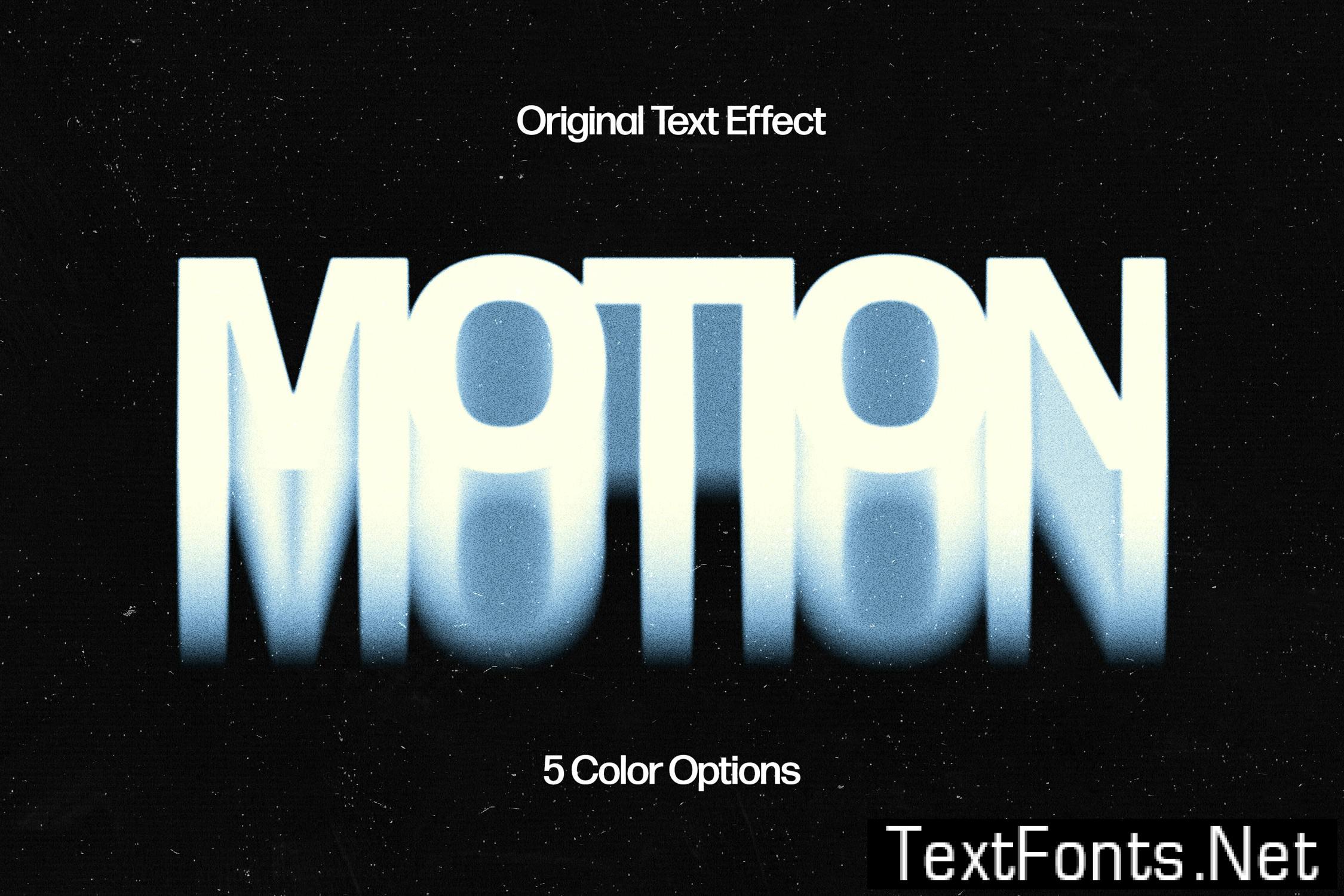
Tagged Abstract , action , Blur , blurred , blurry , faded , fading , filter , Flowing , Futuristic , impending , Motion , stretched , trippy , vaporvawe
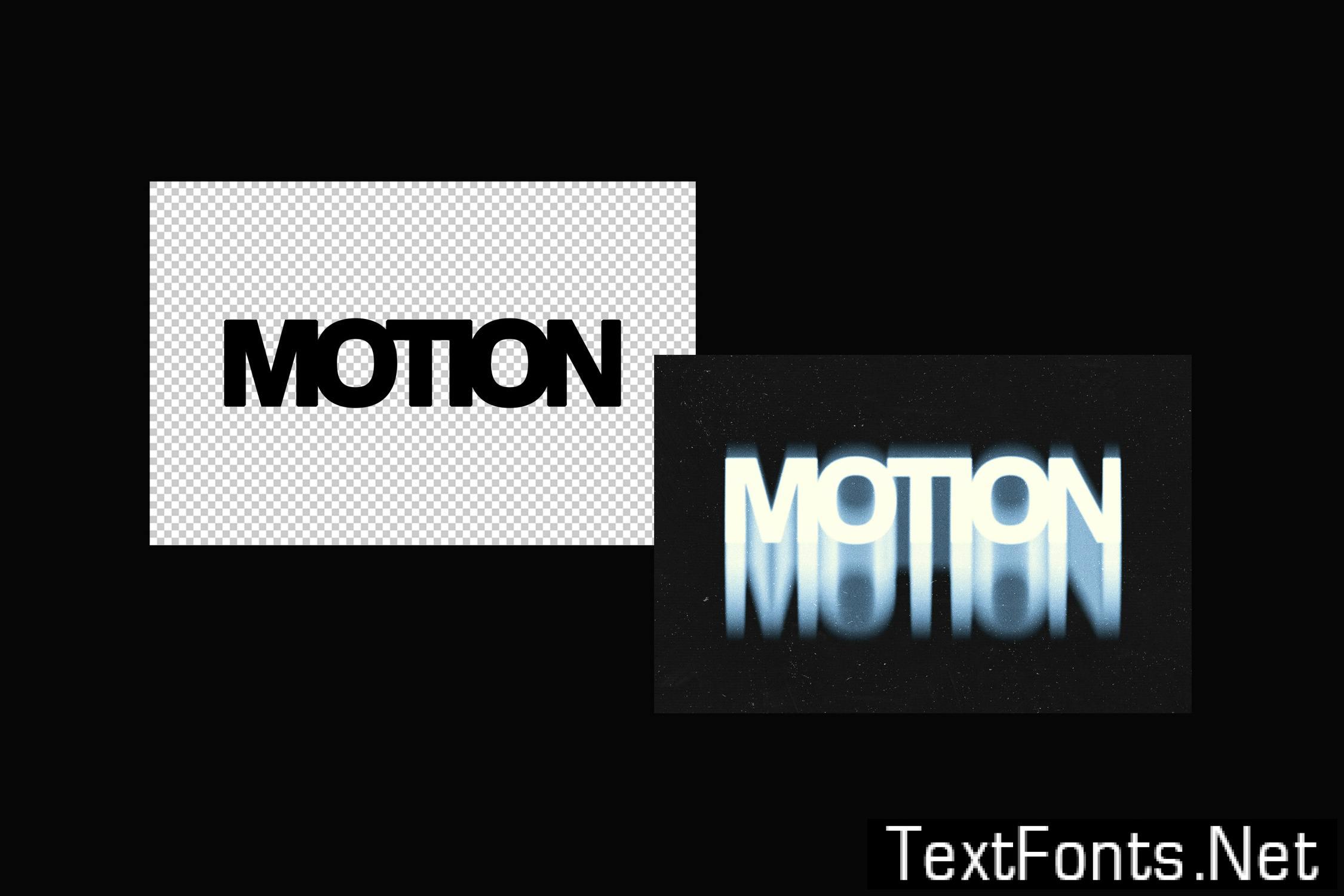
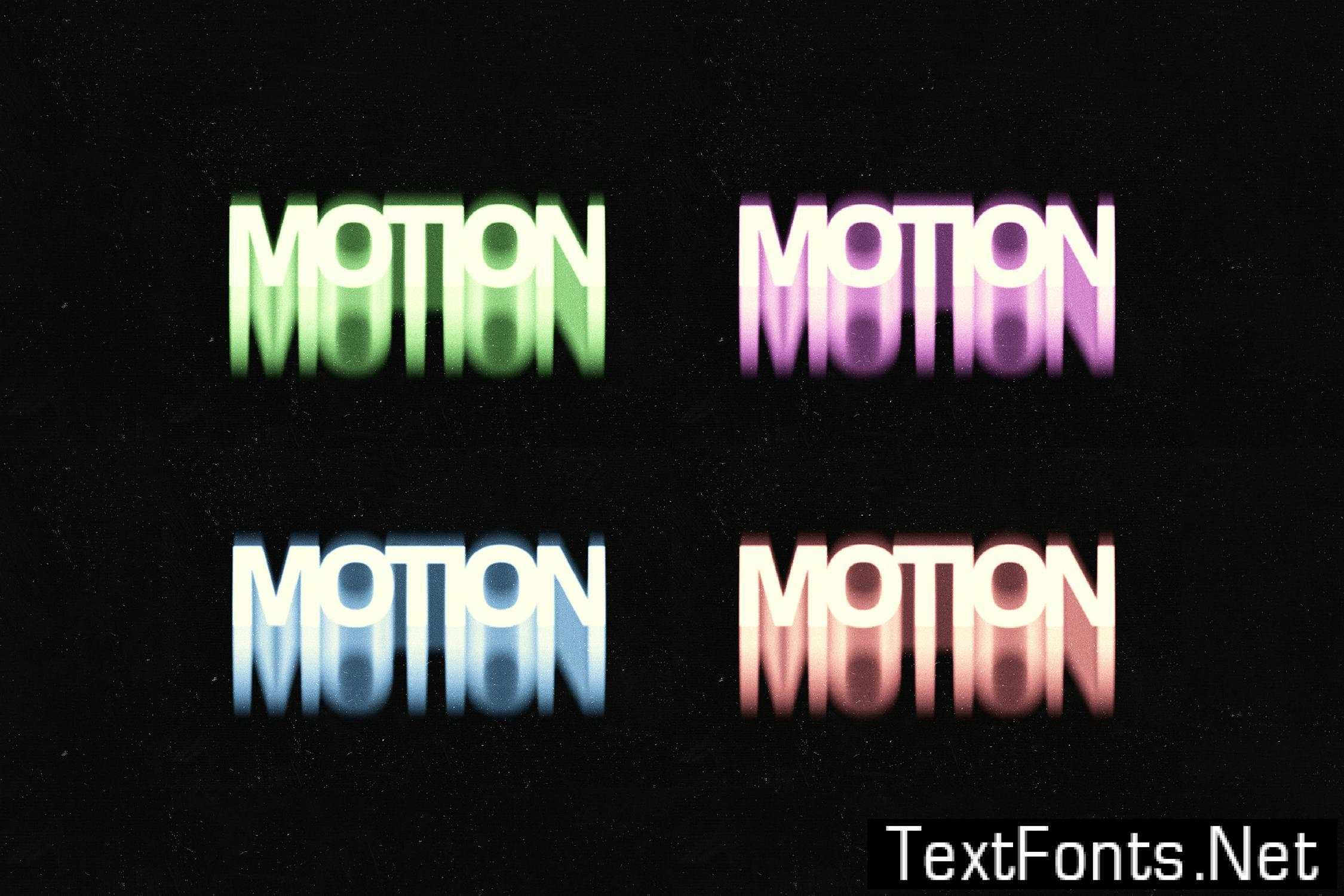
Sometimes visuals tell a better story than words themselves, so make sure you’ve pulled out all the stops to deliver the awe-provoking showcase. This text effect will pave the way to a desirable result, mainly because of the Smart Object Layers included. These allow you to add writings inside the indicated layer (by double-clicking its thumbnail), deleting the default placeholder, then typing any text and saving it! The asset includes Adobe library’s fonts, but you can use any typefaces you need — the effects perfectly adjust to them. Branding logotypes or presentation elements, the effect can deal with anything your project’s about.
**What’s inside?**
– high-quality PSD file;
– 3000×2000 px, 300 dpi;
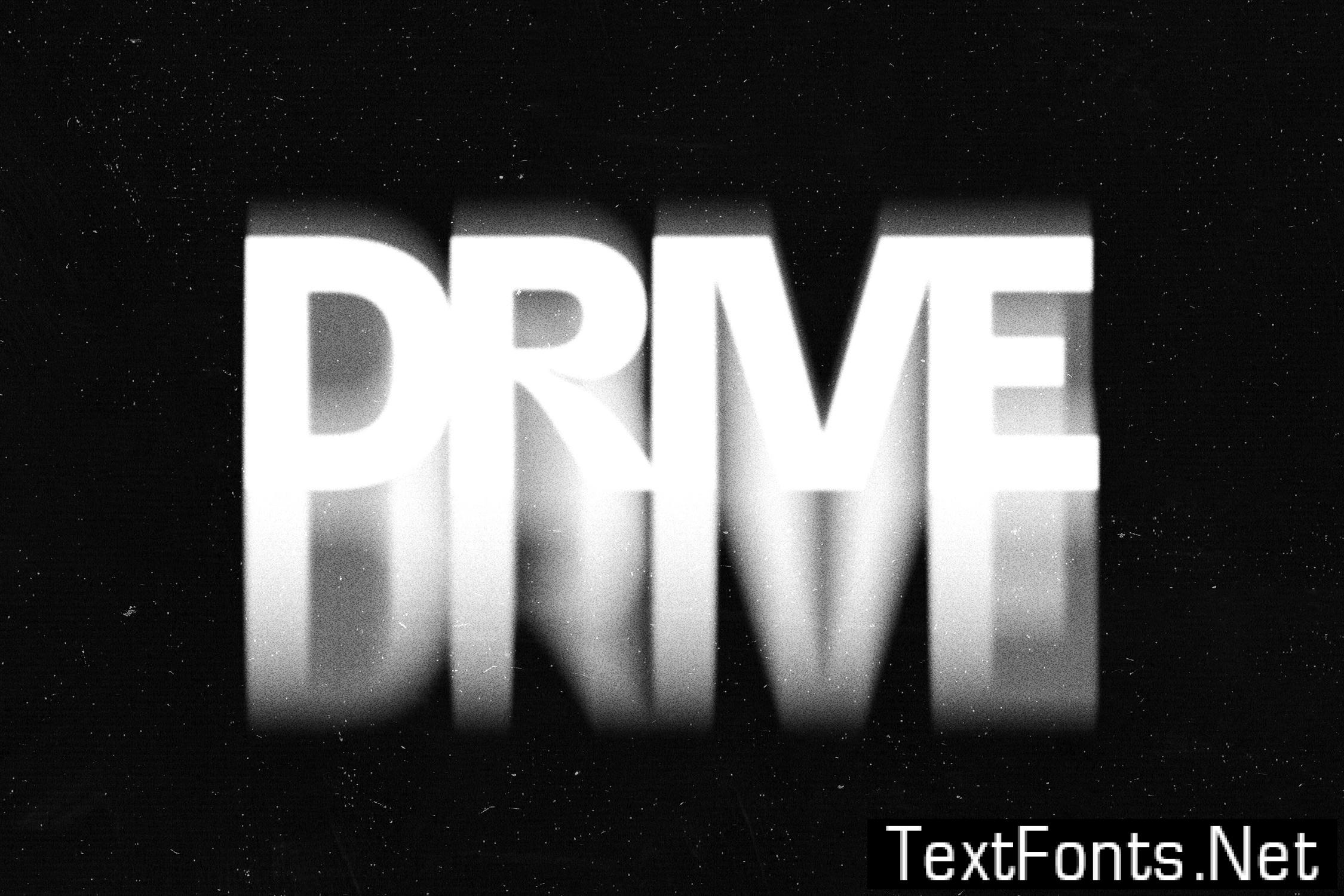
– black & white color option;
– 4 colors;
– help file.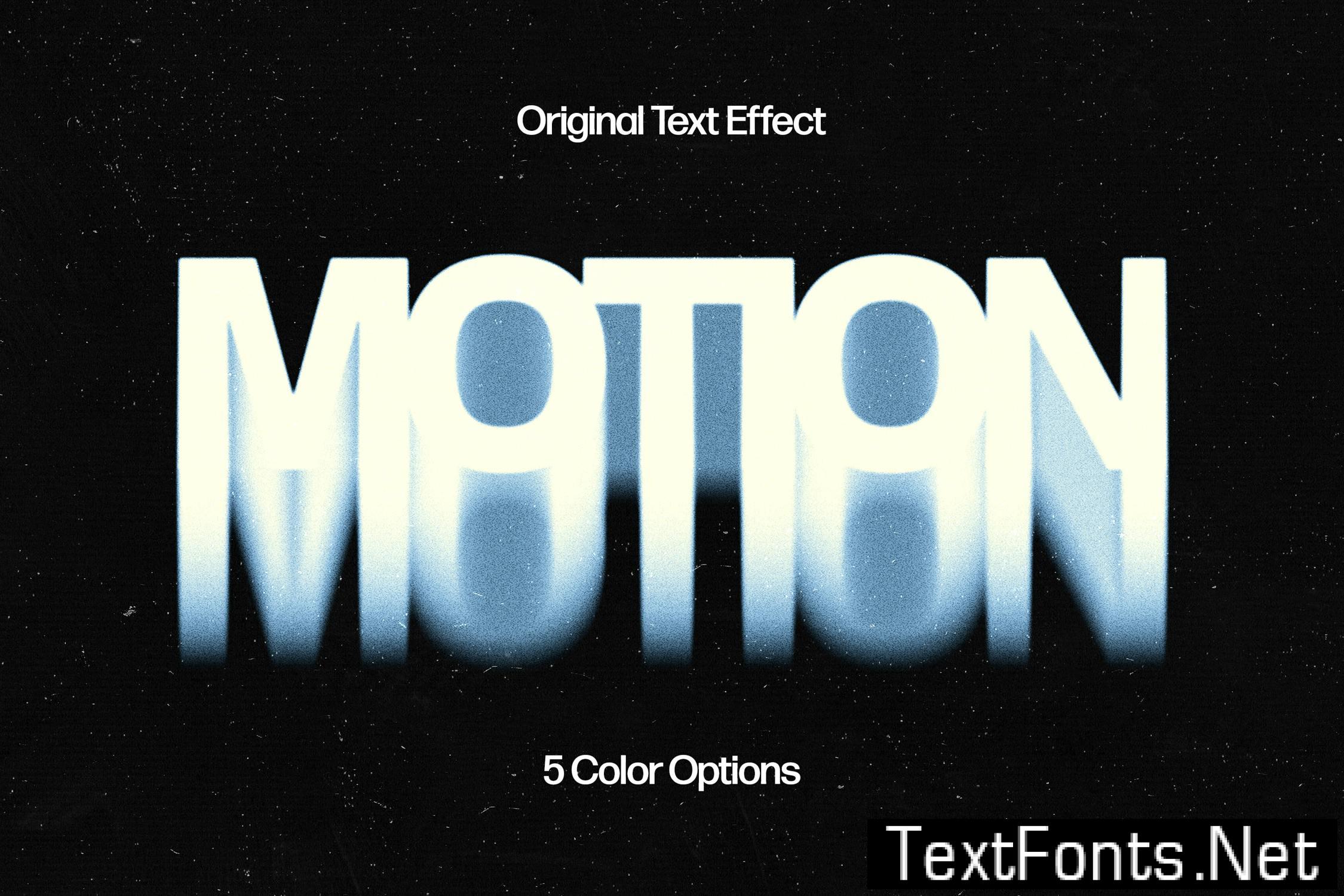
 addOnsFileTypes: PSD
addOnsApplicationsSupported: Adobe Photoshop
Additions: