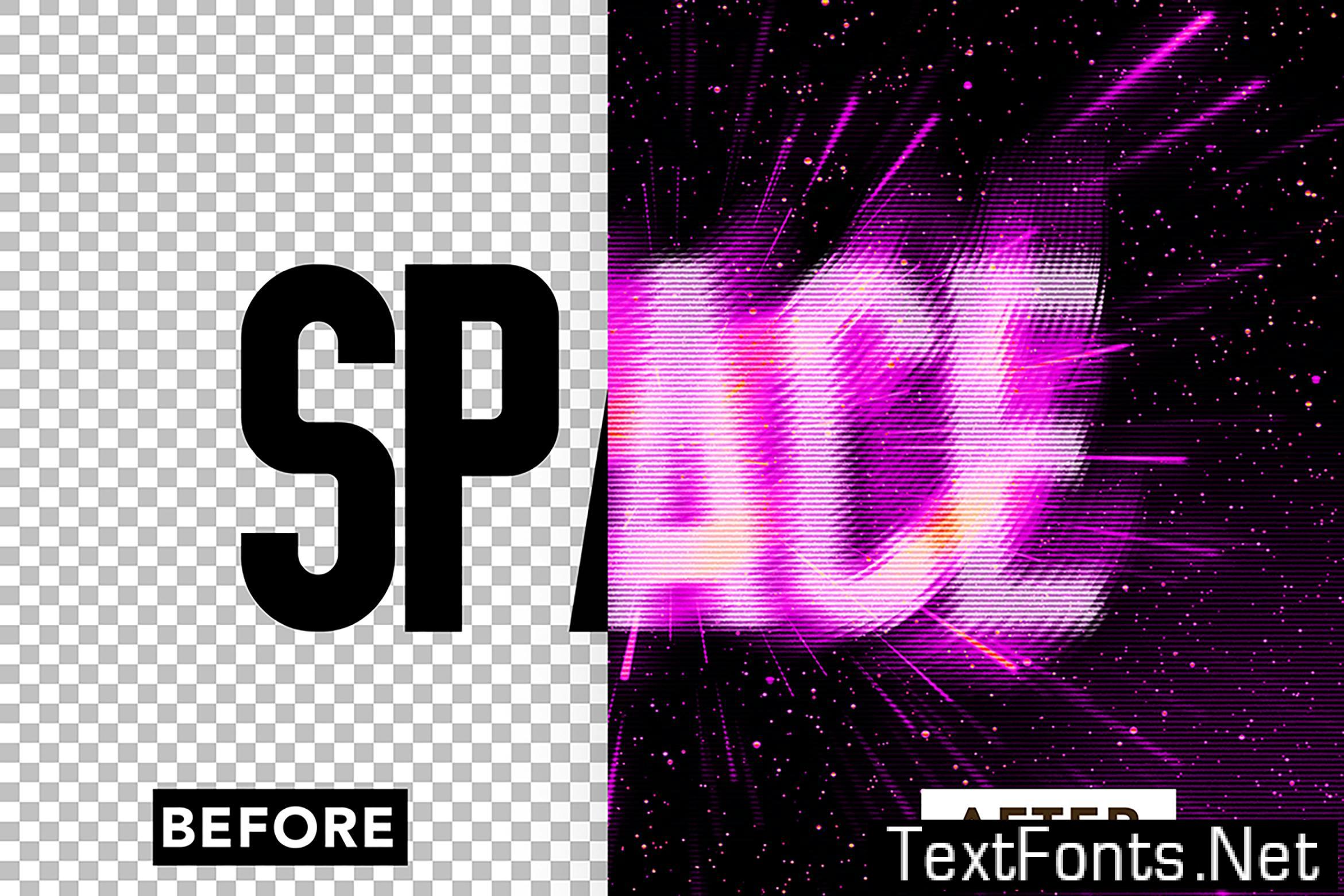
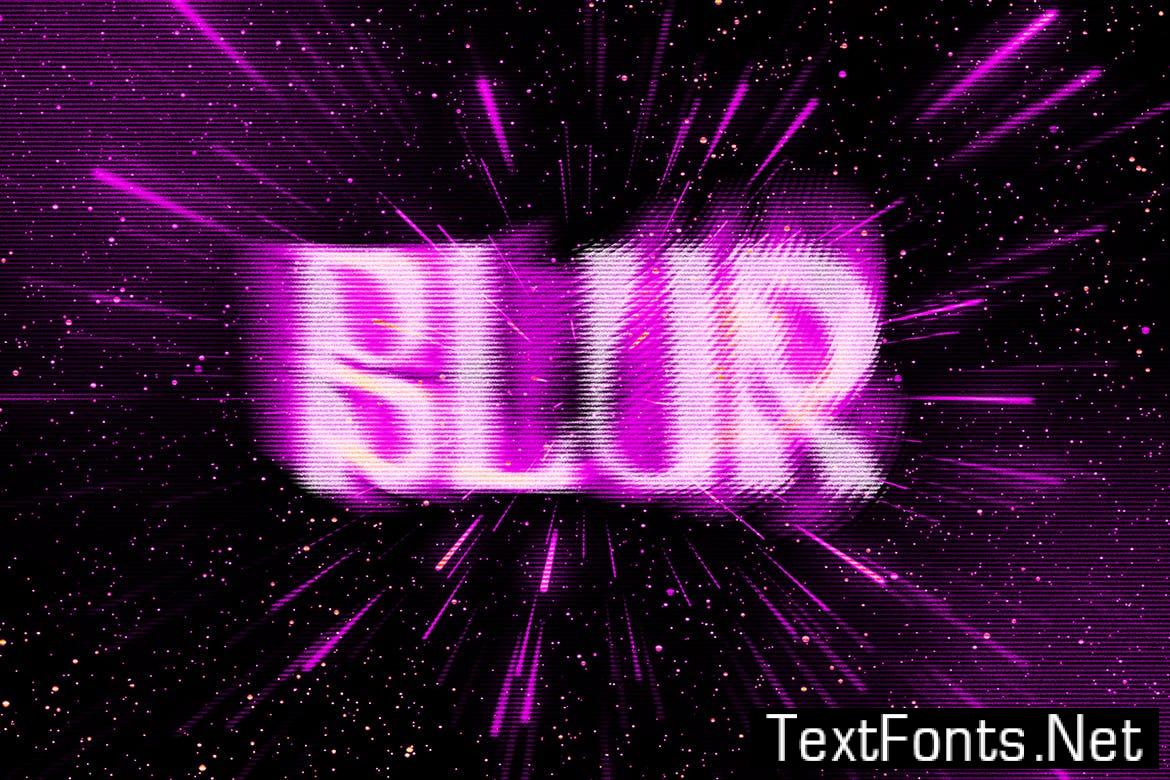
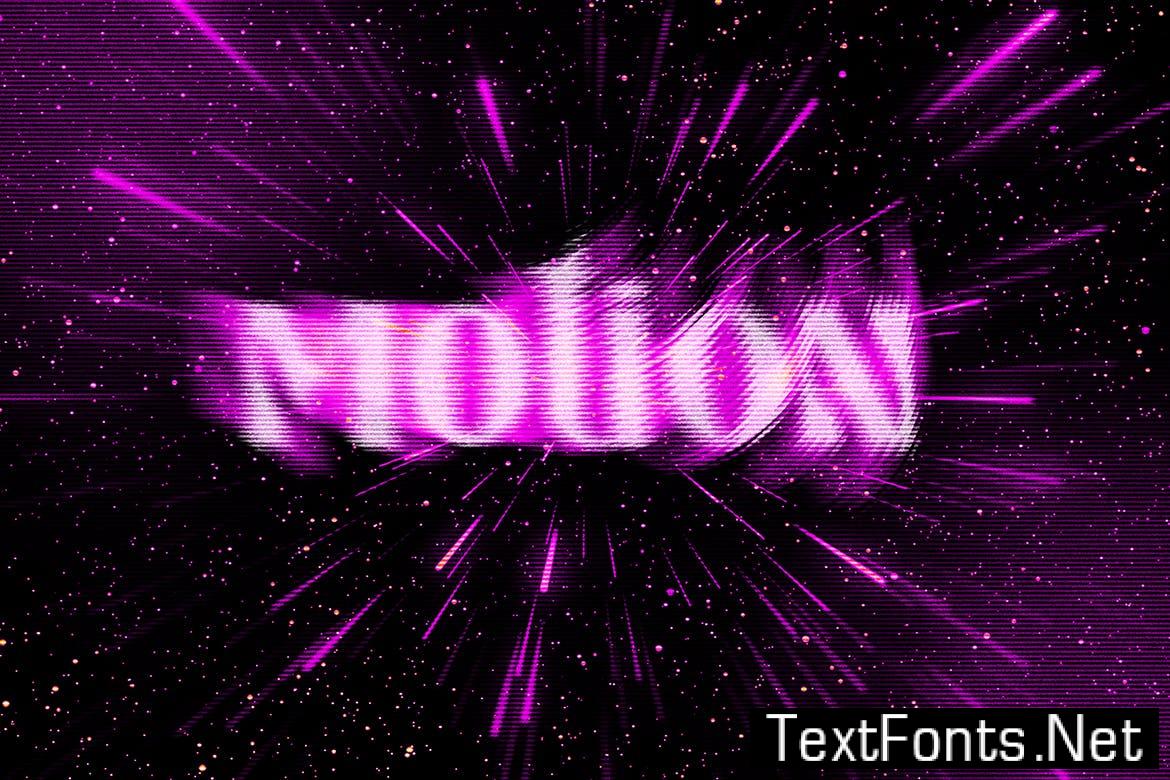
Tagged action , Blur , distressed , Effect , filter , Font , Glitch , Light , Motion , Neon , Night , smudged , spirit , Text , Typography
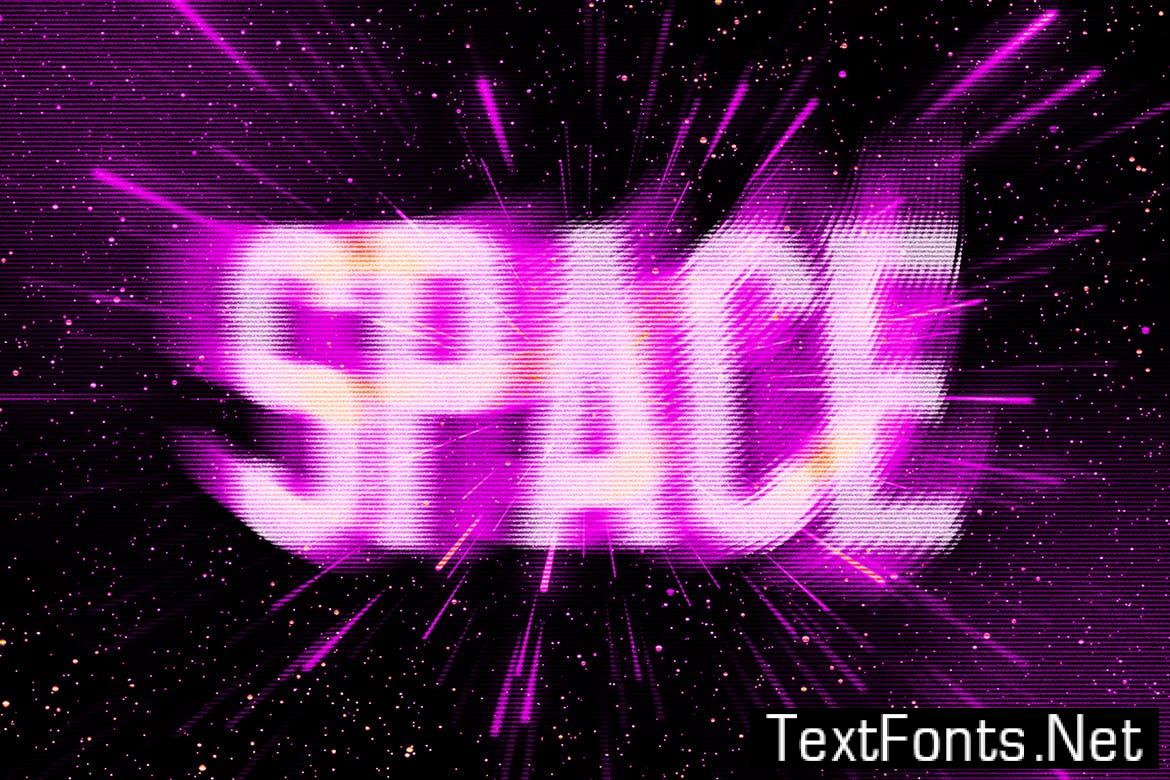
Hi, thank you for using this effect. This effect is created with the help of Smart Object Layers.
This file was created with **_4000 x 3500 px, dpi 300, RGB mode color_**
____________
**This file includes:**
* 1 PSD file
* 1 help file
____________
To edit the file, double click on the thumbnail at layer “Change your design here” or right click -> edit content at layer smart object in the top of layer panel.
Place your text there and hit Command + S or Ctrl + S to save your changes. Close the smart layer and let the effect does it work.
Thank you.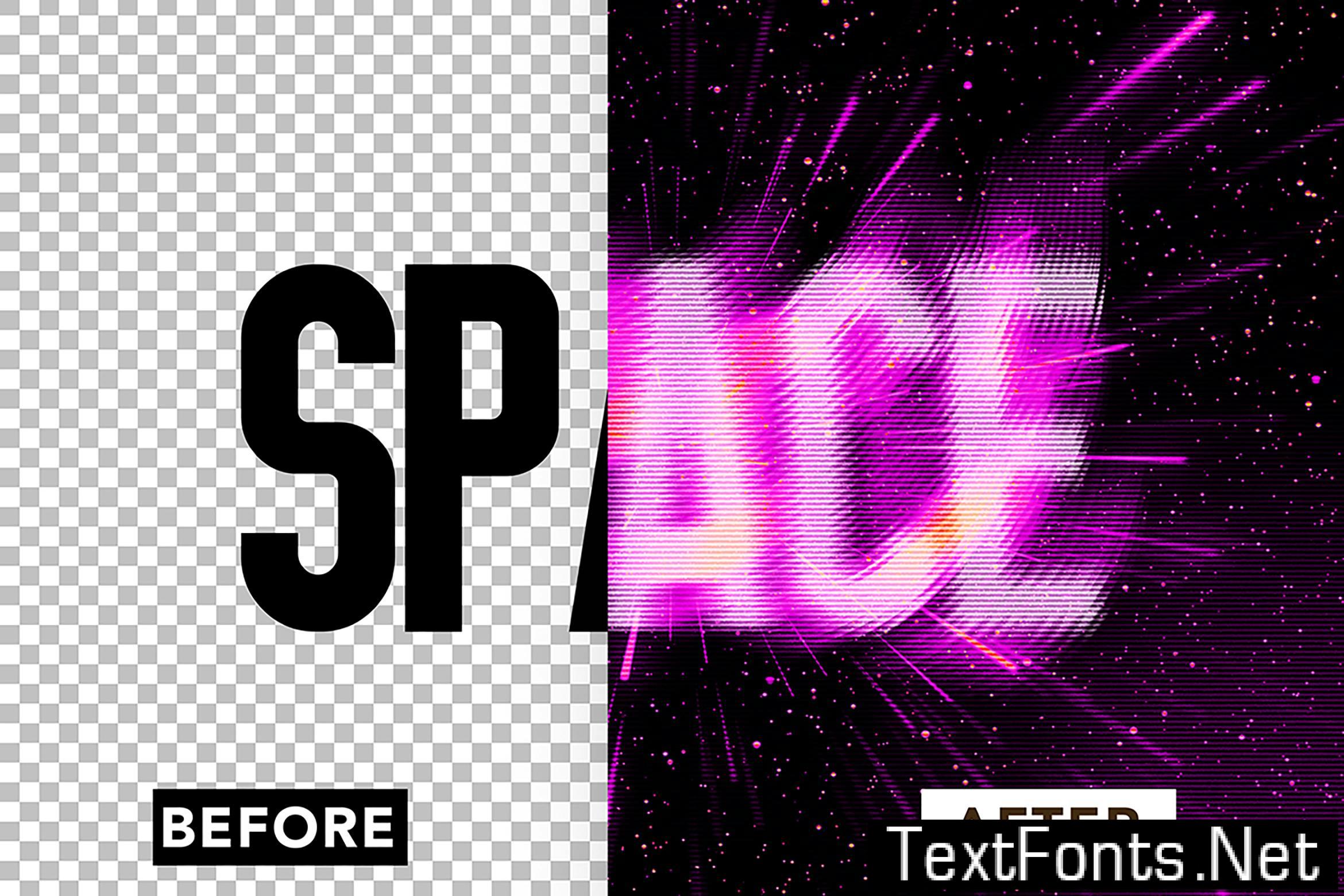
 addOnsFileTypes: PSD
addOnsApplicationsSupported: Adobe Photoshop
Additions: hasDocumentation,