Ideo

Catégorie :   Posted in Text Effects

  • Home
  • Catégorie :   Posted in Text Effects
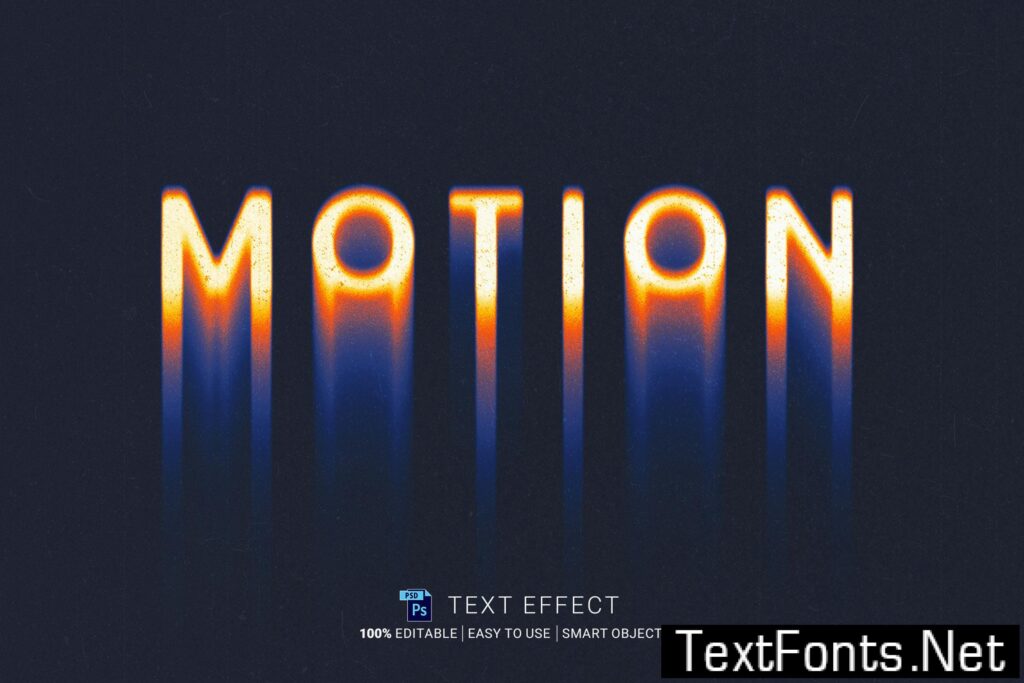
Motion Gradient Text Effect ZS32T4N

This text effect gives you an easy and fast possibility to apply a text effect. Just replace the text with the smart object. 100% Editable fonts and words. No skill requirement. PSD file with organized layers. + Digital + RGB + 2000 × 1500 px, 150 dpi + 1 Text placeholder addOnsFileTypes: PSDaddOnsApplicationsSupported: Adobe PhotoshopAdditions:

Continue reading

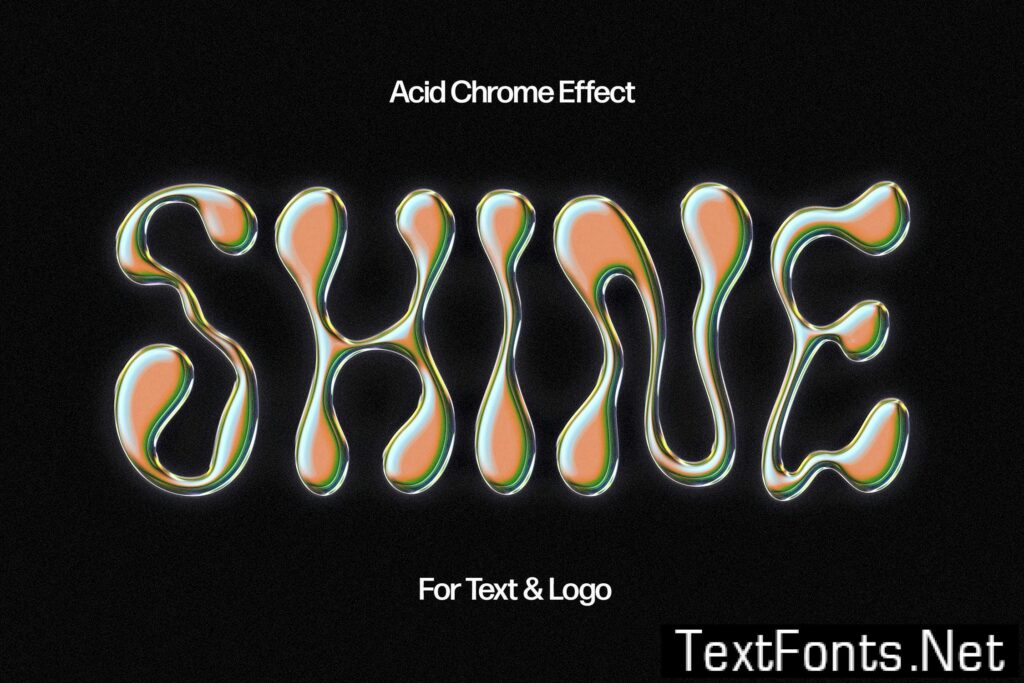
Acid Chromatic Text & Logo Effect X6KKBNE

Sometimes visuals tell a better story than words themselves, so make sure you’ve pulled out all the stops to deliver the awe-provoking showcase. This text effect will pave the way to a desirable result, mainly because of the Smart Object Layers included. These allow you to add writings inside the indicated layer (by double-clicking its

Continue reading

Trippy Acid Text Effect ALULBC2

Sometimes visuals tell a better story than words themselves, so make sure you’ve pulled out all the stops to deliver the awe-provoking showcase. This text effect will pave the way to a desirable result, mainly because of the Smart Object Layers included. These allow you to add writings inside the indicated layer (by double-clicking its

Continue reading

Y2K Acid Text Effect CNEK5VP

**Y2K Acid Text Effect** Simple and beautiful Acid Text Effect. Easily customize the font, size, and colors and get outstanding results in just a few seconds. It’s very easy to use Just double click the Smart Object and edit the text layer. Detailed instructions included in the Help File. **Product Features:** +Adobe Photoshop psd file

Continue reading

TAG Graffiti Text Effect Y5S8GA5

Wrapping a finished project into a suitable mockup is an essential step for presenting your ideas to the world. The main features of a well-built mockup are versatility, realism, and high-quality textures, which we successfully implemented into this file. Open the Smart Object layer with a double-click on its thumbnail, delete the default placeholder layer

Continue reading


 / 

Select menu by going to Admin > Appearance > Menus

Sign in

Send Message

My favorites